 Ledger & Linen Designs
How to Make a Youth Football Depth Chart (and Keep Snap Counts Fair)
Set up a depth chart for offense, defense and special teams, and track snaps so every player gets on the field.
Youth football rosters are big, and game days move fast. A clear depth chart and a quick snap count after each game keep the team organized and fair.
Start with your full roster
List every player with a jersey number and a parent contact. With 25 or 30 kids, having it all in one place matters.
Build the depth chart by unit
For offense, defense and special teams, list each position with a starter and one or two backups. Rename positions to fit your scheme.
Know your league's play rules
Many youth leagues have minimum play rules. Check yours, and write down the minimum you need to meet.
Count snaps after every game
Right after the game, record each player's snaps. Compare them with your minimum, and plan more snaps for anyone who fell short.
Keep practices and fees organized too
Attendance for every practice, a simple practice plan and a list of who has paid team fees all make the season easier for coaches and parents.
For parents: forms and equipment
Parents can keep their own list: physical and waiver forms, equipment sizes and return dates for team-issued gear.
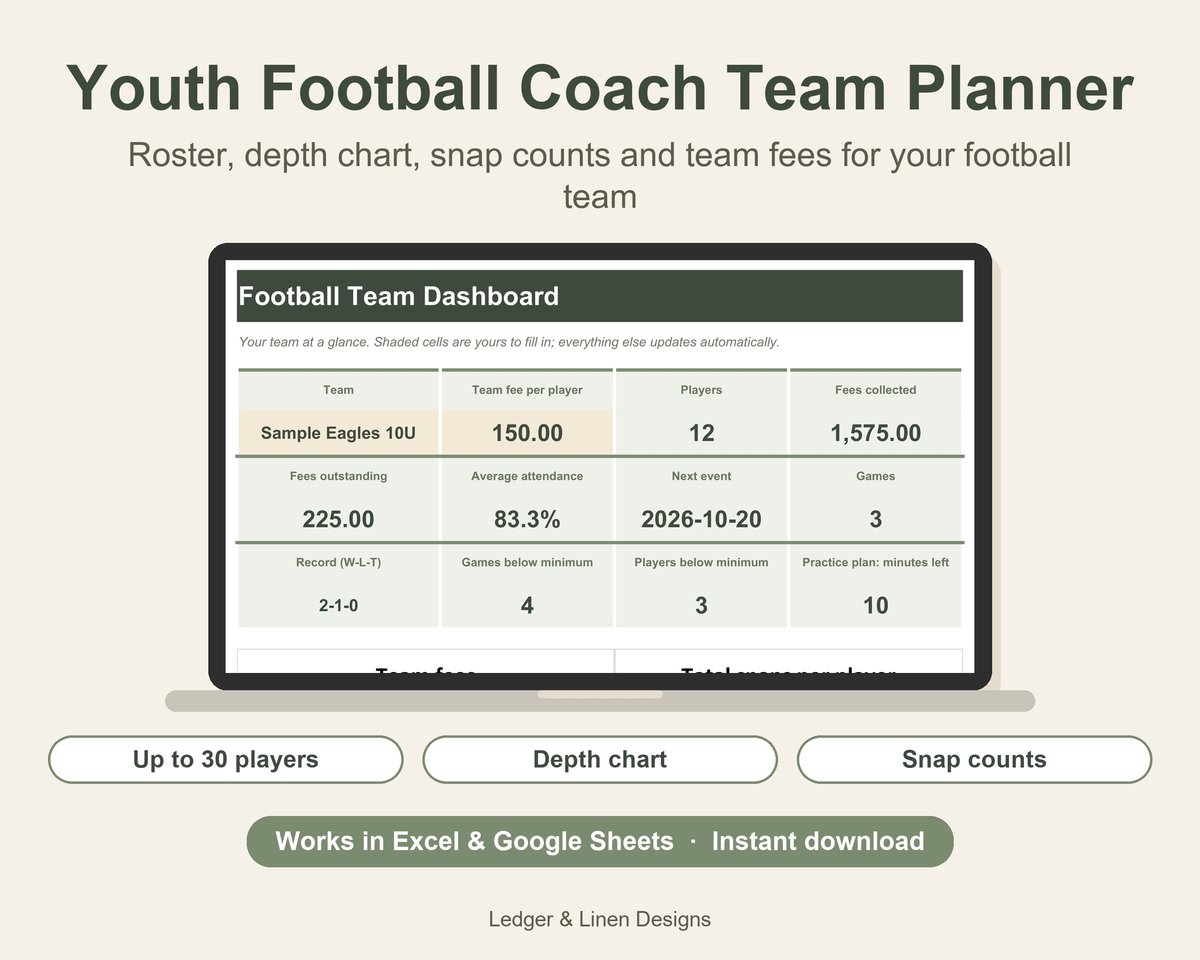
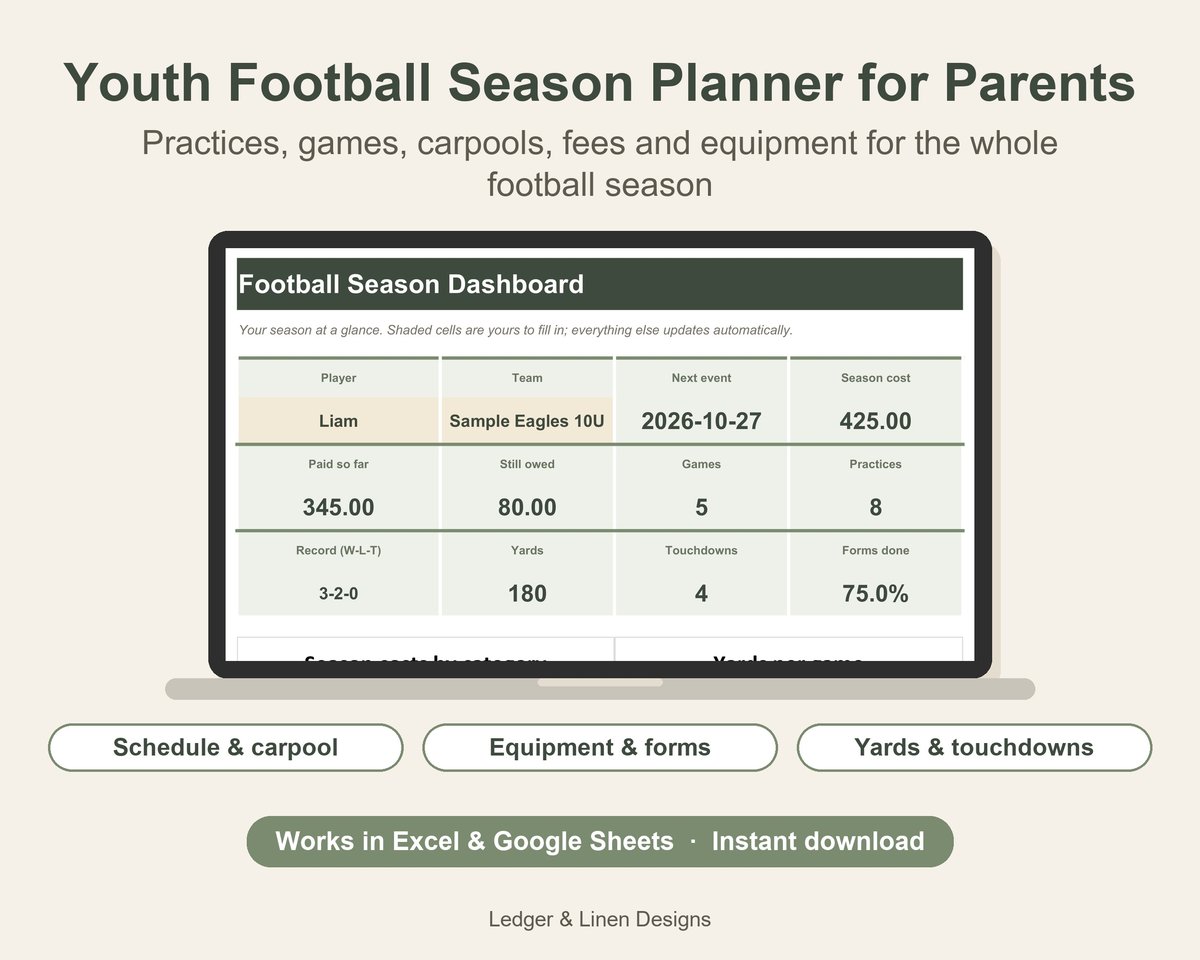
The Youth Football Coach Planner includes a roster for up to 30 players, a depth chart for offense, defense and special teams picked from your roster, snap counts checked against the minimum you enter, attendance, team fees and practice plans. Parents can use the Youth Football Season Planner for the schedule, forms, equipment and season costs.
This guide is general information to help you get organized. It isn't financial, tax, legal, medical or fitness advice; for decisions that matter, check with a qualified professional.